Troubleshoot AVoIP Network Issues: A Comprehensive Guide
Resolve common Audio and Video over IP (AVoIP) network problems like bandwidth congestion, multicast misconfigurations, latency, and EDID issues with this expert troubleshooting guide for AV professionals.
Micha van der Stoop
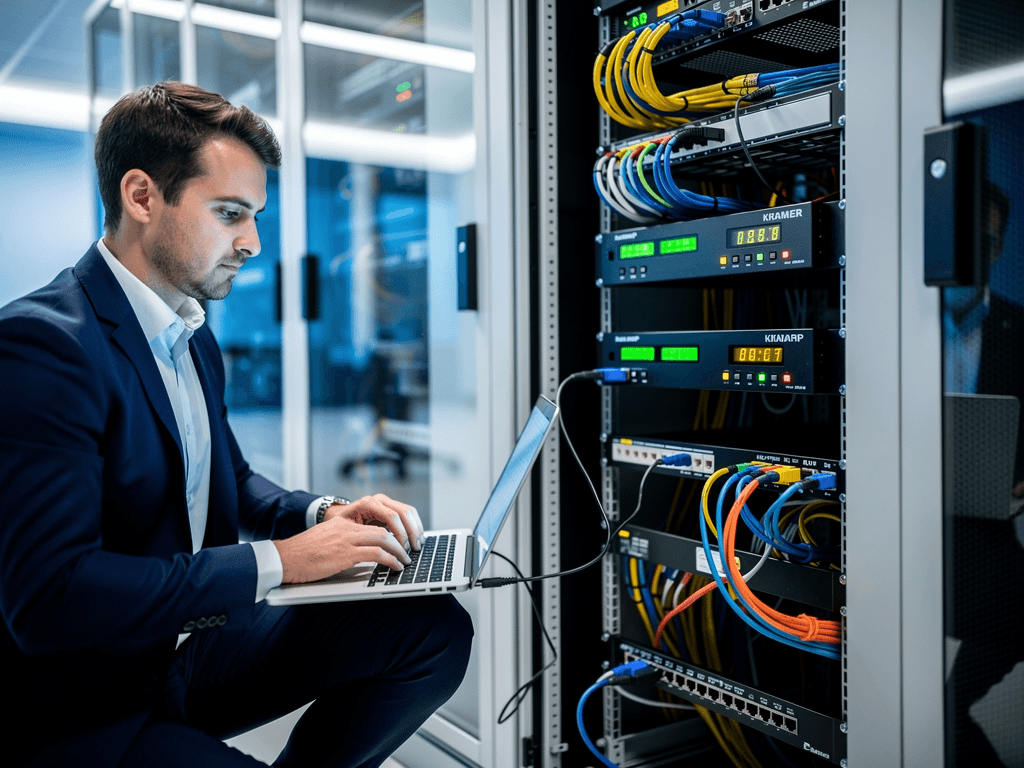
How to Troubleshoot Common AVoIP Network Issues
Audio and video over IP technology has revolutionized how we distribute multimedia content across corporate environments, educational institutions, and entertainment venues. However, the transition from traditional point-to-point connections to network-based distribution introduces a new category of challenges that require systematic troubleshooting approaches. Understanding these common issues and their solutions can mean the difference between a seamless presentation and a frustrated audience.
Whether you are managing a small conference room setup or an enterprise-wide deployment spanning multiple buildings, network-related problems in AVoIP systems often share similar root causes. This comprehensive guide will walk you through the most frequent issues encountered by AV professionals and provide actionable solutions to resolve them efficiently.
Understanding Bandwidth and Network Congestion Problems
Bandwidth limitations represent one of the most prevalent challenges in AVoIP deployments. When video streams compete with other network traffic, the results can range from minor visual artifacts to complete signal loss. Modern 4K60 encoders from manufacturers like Visionary AV and BZBGEAR can generate substantial data streams, particularly when using minimal compression for professional applications.
The first step in diagnosing bandwidth issues involves measuring actual network utilization during peak operation. Network monitoring tools can reveal whether your infrastructure is approaching capacity limits. Many organizations discover that their existing network was designed for data traffic patterns that differ significantly from continuous video streams. Unlike bursty web traffic, AVoIP requires sustained throughput that can expose weaknesses in network design.
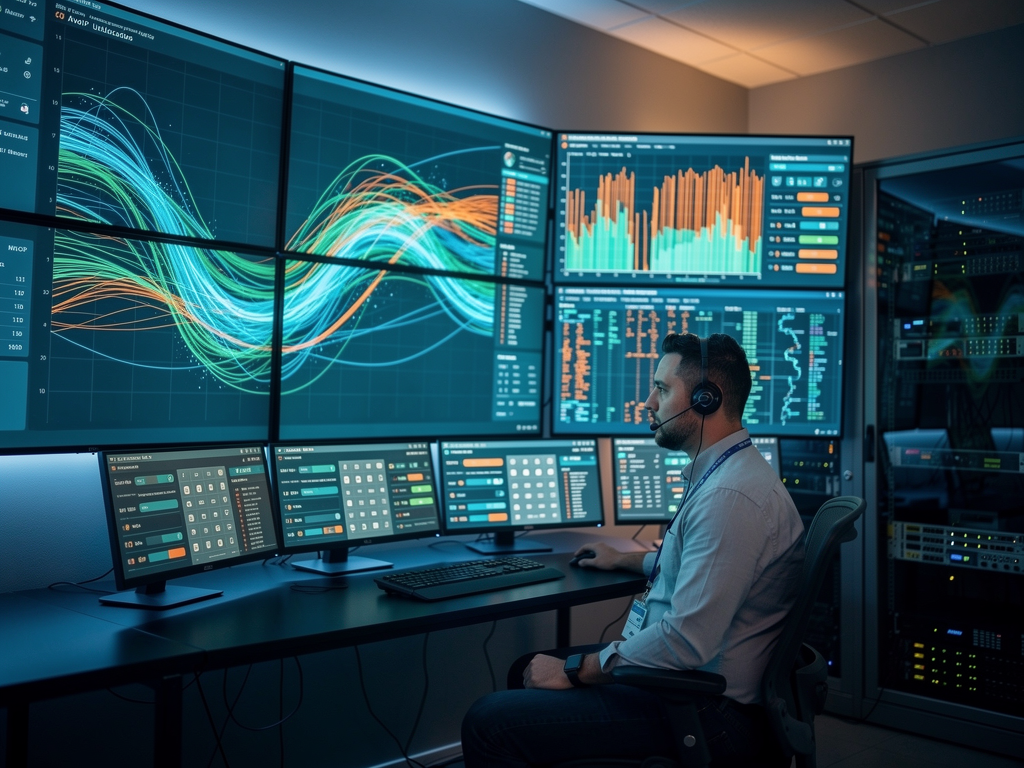
Solutions for bandwidth constraints include implementing Quality of Service policies that prioritize video traffic, upgrading to higher-capacity switches, or deploying dedicated VLANs for AV traffic. Products from TiGHT AV and ADTECHNO often include built-in bandwidth management features that can adapt stream quality dynamically based on available network resources. This adaptive approach ensures that video continues flowing even when network conditions deteriorate temporarily.
Resolving Multicast Configuration Challenges
Multicast streaming forms the backbone of efficient AVoIP distribution, allowing a single source to reach multiple destinations without duplicating traffic at the encoder. However, improper multicast configuration causes more troubleshooting calls than almost any other issue. Symptoms include streams that work perfectly on one switch but fail completely when crossing to another network segment.
Internet Group Management Protocol snooping must be enabled on all switches in the video path. Without IGMP snooping, multicast traffic floods every port on the switch, consuming bandwidth unnecessarily and potentially overwhelming endpoints that should not receive the stream. Additionally, a querier must exist on each VLAN to maintain multicast group memberships. Many installations fail because technicians assume the router will handle querier duties when it has not been configured to do so.
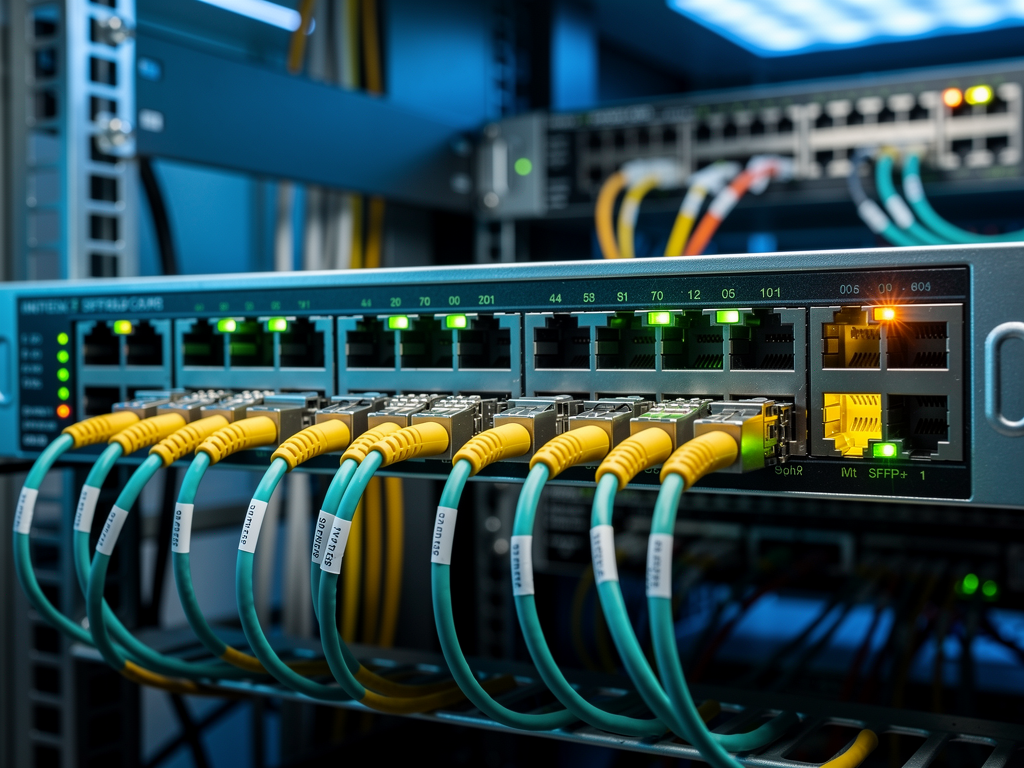
When troubleshooting multicast problems, verify that all switches support IGMP version 2 or 3 and that the configuration is consistent across your infrastructure. Inconsistent IGMP versions between switches can cause unpredictable behavior. The AVoIP Solutions Directory contains detailed specifications for encoders and decoders that can help you verify compatibility with your network equipment and multicast requirements.
Addressing Latency and Synchronization Issues
Latency in AVoIP systems manifests in several ways, from noticeable delays between presenter actions and displayed content to lip-sync problems where audio and video drift apart. Different AVoIP protocols offer varying latency characteristics. Solutions based on NDI typically achieve lower latency than JPEG2000-based systems, while SDVoE approaches can deliver near-zero latency suitable for real-time applications.
Measuring latency requires appropriate test equipment or software tools that can timestamp packets at both source and destination. Network switches introduce processing delay at each hop, so minimizing the number of switches between encoder and decoder reduces overall latency. Layer 3 routing adds additional delay compared to Layer 2 switching, making network topology decisions critical for latency-sensitive applications.
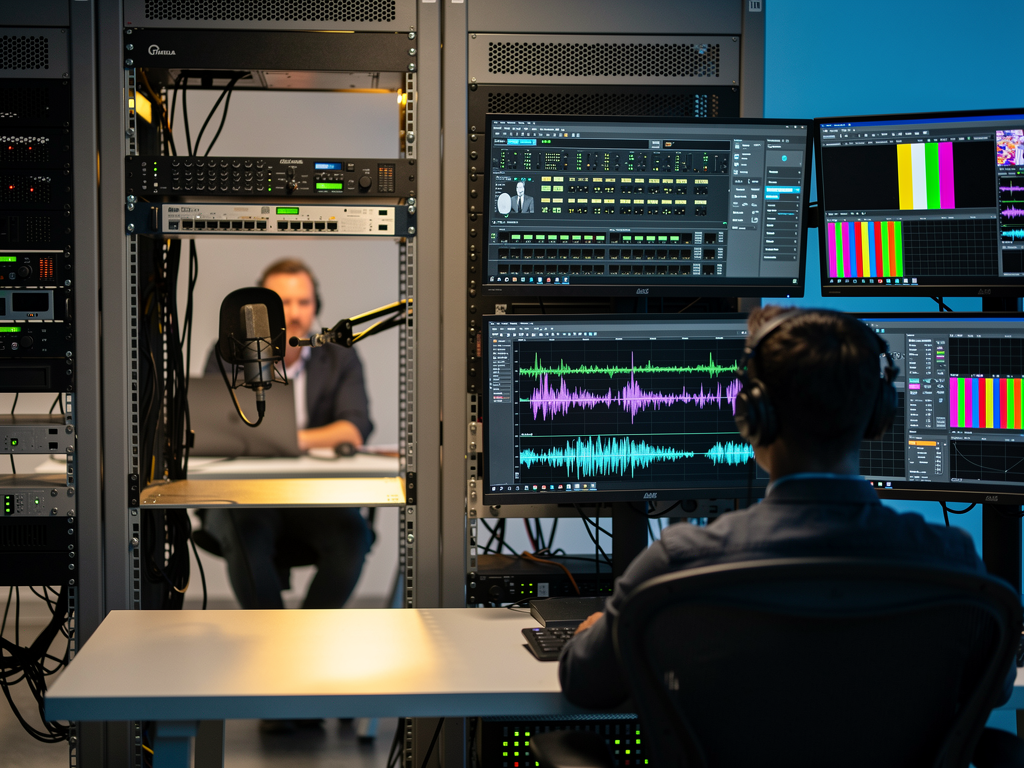
Craltech and Netvio products include synchronization features that help maintain audio-video alignment even when network conditions vary. These systems use buffering techniques that add minimal latency while ensuring smooth playback. When configuring these features, balance the need for low latency against the requirement for stable, artifact-free video. Applications like digital signage can tolerate higher latency than interactive presentations or video conferencing scenarios.
Troubleshooting EDID and Resolution Compatibility
Extended Display Identification Data issues plague AVoIP installations just as they affect traditional matrix switching systems. When a display reports its capabilities through EDID, that information must traverse the network to reach the source device. Complications arise when multiple displays with different capabilities connect to a single encoder, or when EDID information fails to propagate correctly through the network infrastructure.
Symptoms of EDID problems include blank screens, incorrect resolutions, missing audio, or sources that fail to detect any connected display. Many AVoIP products from manufacturers like BZBGEAR and TiGHT AV include EDID management features that allow administrators to lock specific EDID profiles or create custom configurations that ensure compatibility across diverse display inventories.
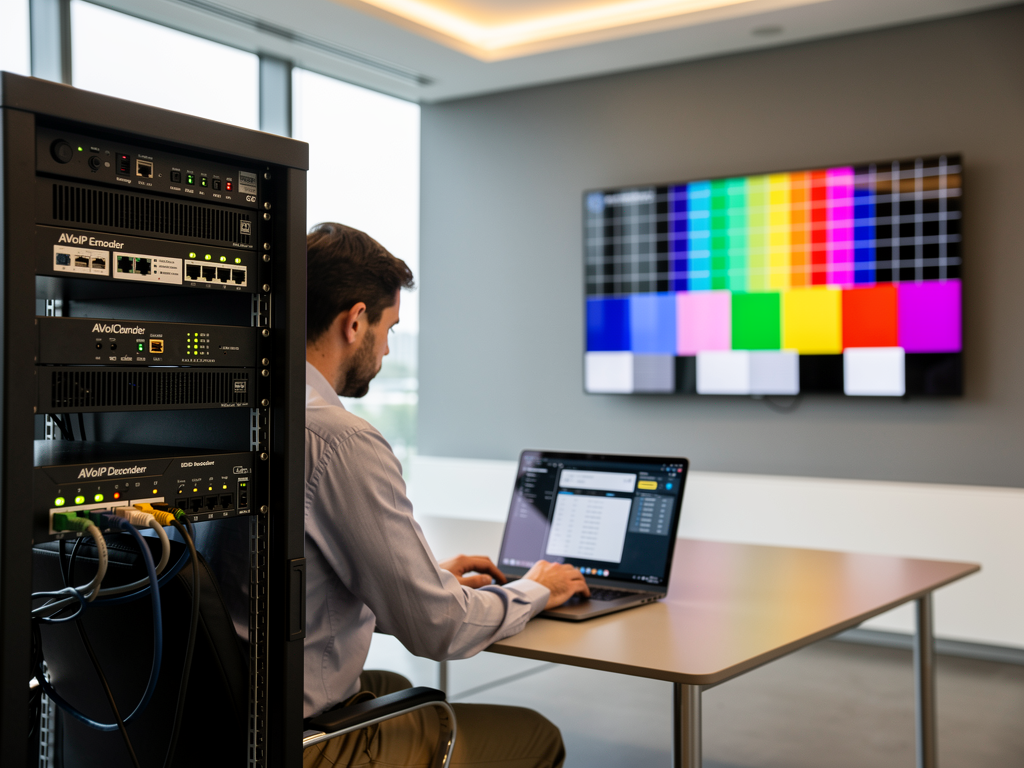
Best practices for EDID management include documenting the capabilities of all displays in your system and selecting an EDID profile that represents the lowest common denominator. This approach ensures that content plays correctly on every display, even if some screens could theoretically support higher resolutions. For installations requiring different resolutions at different endpoints, consider using decoders with built-in scaling capabilities that can adapt the output to match each display's native resolution.
Diagnosing Power over Ethernet and Hardware Failures
Many compact AVoIP endpoints rely on Power over Ethernet for simplified installation. When PoE-powered devices fail to operate, the problem may lie with the switch, the cabling, or the endpoint itself. PoE standards have evolved through several generations, and mismatches between switch capabilities and device requirements cause frequent issues.
Verify that your PoE switches provide adequate wattage for your endpoints. Standard 802.3af PoE delivers 15.4 watts, while 802.3at PoE+ provides 30 watts. Some high-performance encoders require 802.3bt PoE++ for full functionality. Using underpowered switches may result in devices that boot partially or exhibit intermittent failures under load. ADTECHNO and Visionary AV publish clear power requirements for their products, allowing proper infrastructure planning.
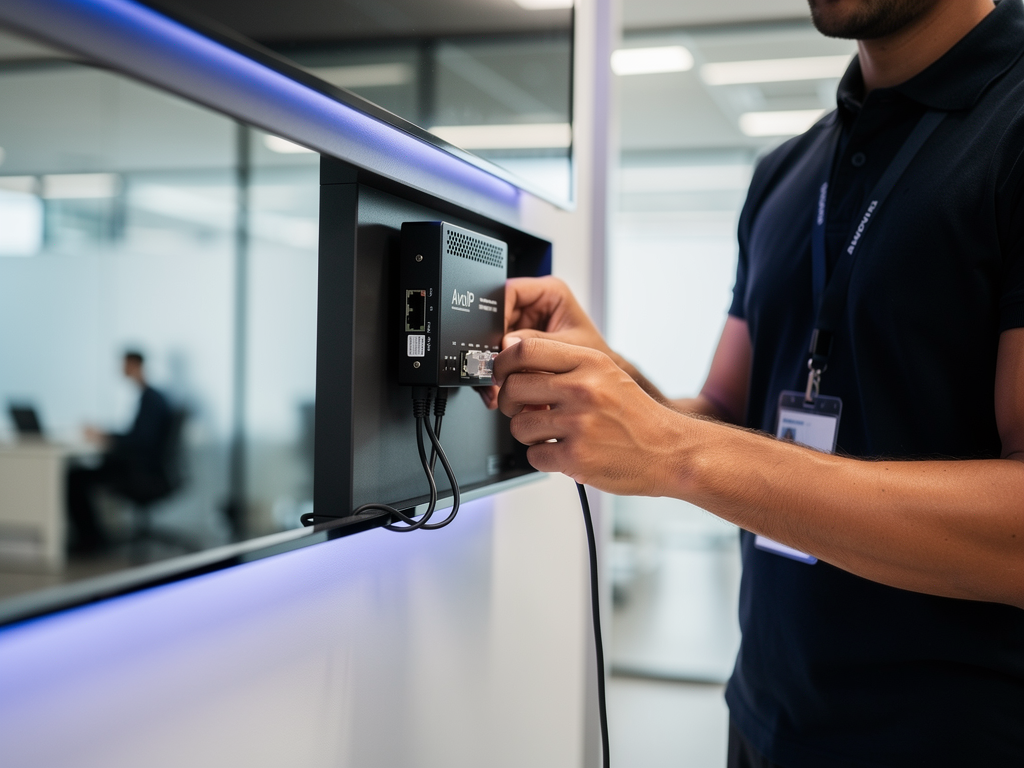
Cable quality affects PoE reliability significantly. Longer cable runs experience greater voltage drop, potentially leaving insufficient power at the endpoint. Use quality Cat6 or Cat6A cabling and verify that all terminations meet specifications. A cable that passes data tests may still fail to deliver adequate power due to resistance in poorly crimped connectors.
Implementing Effective Monitoring and Preventive Maintenance
Proactive monitoring prevents many AVoIP problems from affecting end users. Modern management platforms can track device health, network statistics, and stream quality in real time. When parameters drift outside acceptable ranges, alerts notify administrators before users experience visible problems. This approach transforms troubleshooting from reactive firefighting into planned maintenance activities.
Establish baseline measurements for your system during normal operation. Document typical bandwidth utilization, latency measurements, and error rates. When problems occur, comparing current measurements against these baselines quickly identifies what has changed. Many issues result from network changes made by IT staff unaware of AVoIP requirements, making good documentation invaluable for rapid diagnosis.
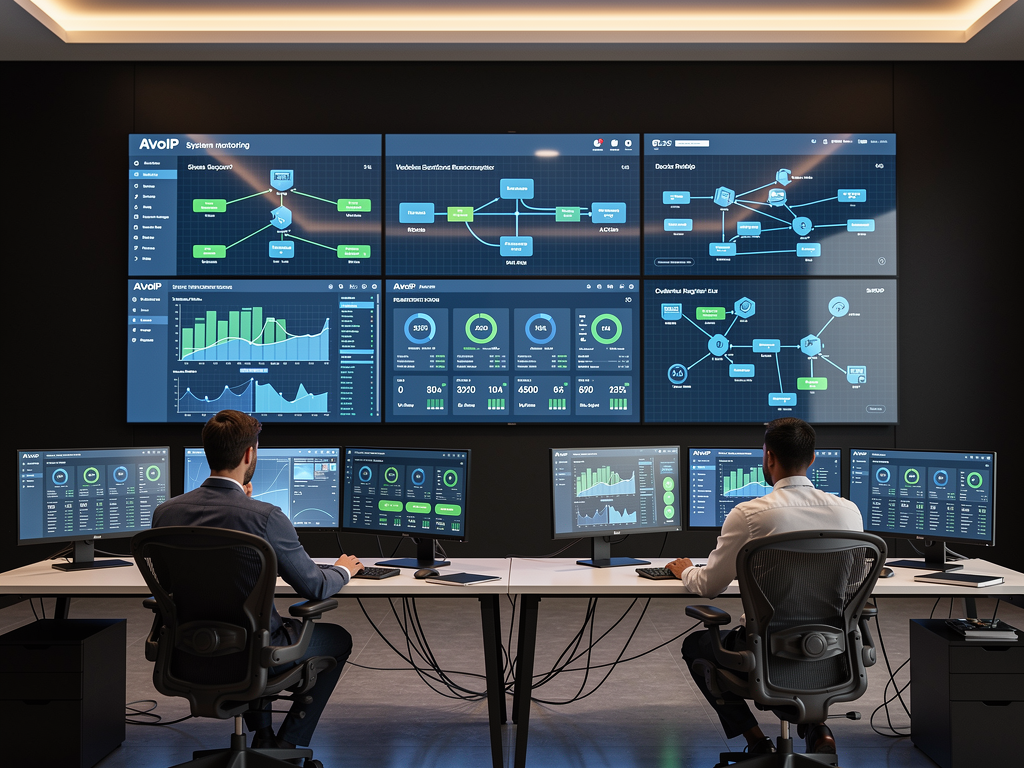
Schedule regular firmware updates for all AVoIP equipment. Manufacturers continuously improve their products, addressing bugs and adding features that enhance reliability. However, coordinate updates carefully to avoid disrupting critical operations. Test updates in a non-production environment when possible, and maintain rollback procedures in case new firmware introduces unexpected issues.
Building a Systematic Troubleshooting Methodology
Effective troubleshooting follows a logical progression from simple to complex possibilities. Begin by verifying physical connections and confirming that all devices have power and network connectivity. Check indicator lights on encoders, decoders, and network switches for obvious error conditions. Many problems that appear complex resolve quickly once a disconnected cable or failed power supply is discovered.
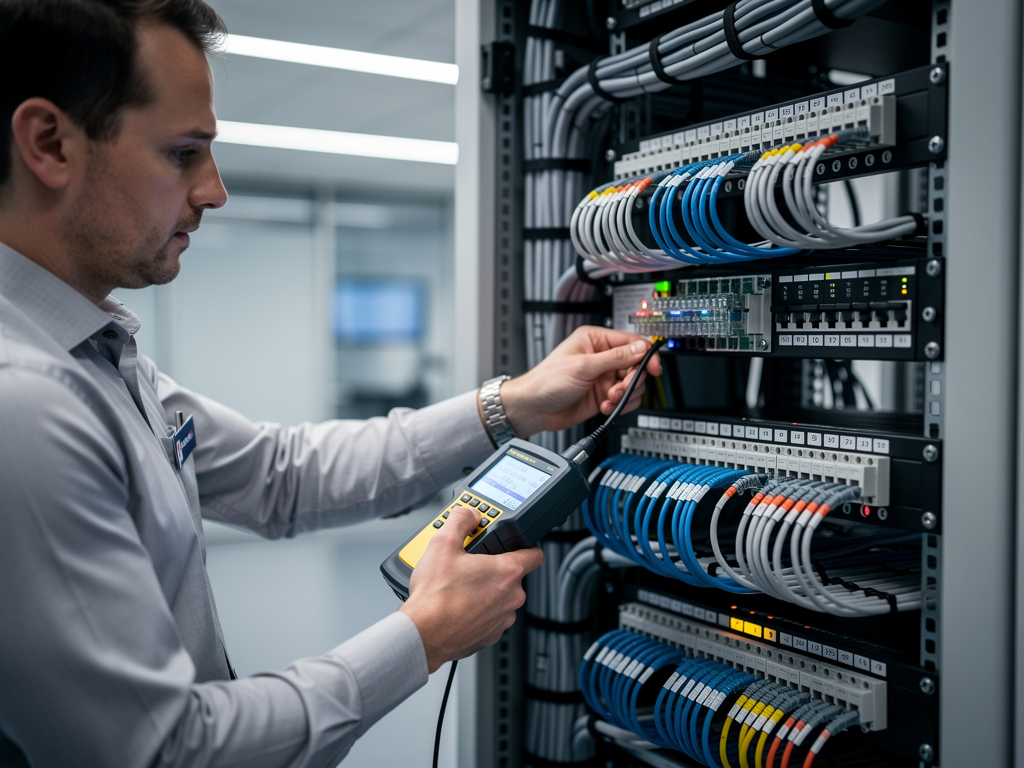
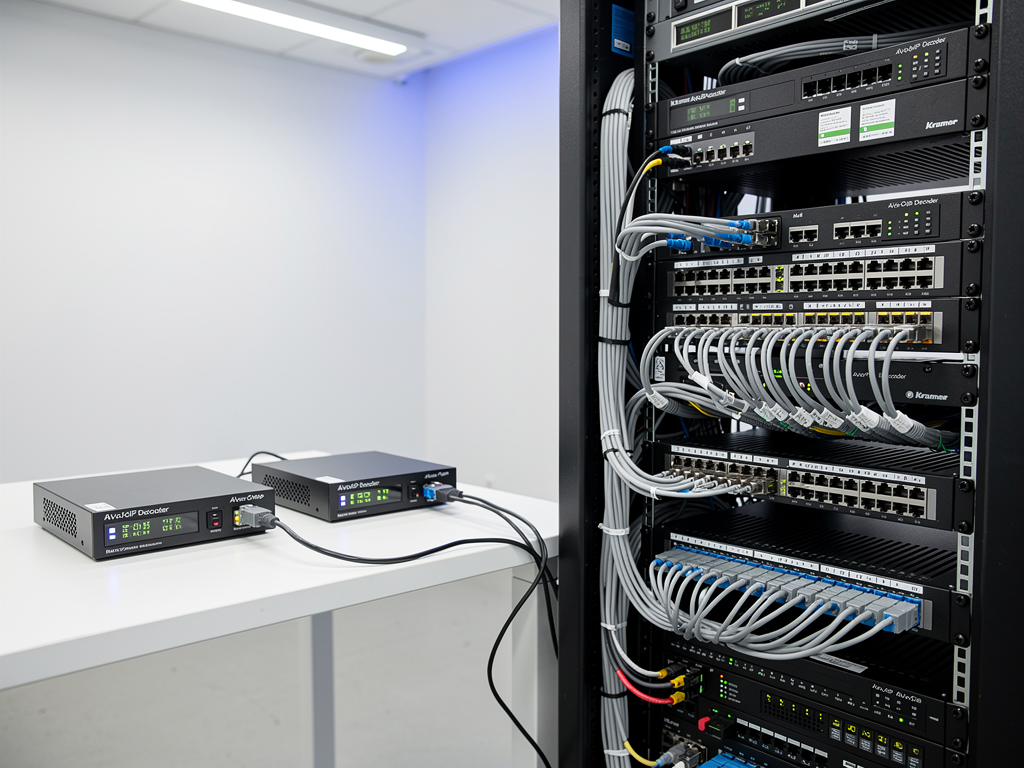
Isolate variables by testing components individually. Connect an encoder directly to a decoder, bypassing the network infrastructure, to confirm that the endpoints function correctly. If direct connections work but networked connections fail, focus troubleshooting efforts on the network configuration. This divide-and-conquer approach efficiently narrows the scope of investigation.
Document every troubleshooting session, including symptoms observed, tests performed, and solutions implemented. This documentation builds institutional knowledge that accelerates future troubleshooting efforts. When similar symptoms recur, technicians can reference previous solutions rather than starting from scratch. The comprehensive product database at AVoIP Solutions Directory provides technical specifications that support troubleshooting by confirming device capabilities and requirements.

Mastering AVoIP troubleshooting requires understanding both networking fundamentals and the specific requirements of video distribution. By developing systematic approaches and maintaining comprehensive documentation, AV professionals can resolve issues quickly and maintain the reliable systems that modern organizations demand. The investment in troubleshooting skills pays dividends through reduced downtime, satisfied users, and confidence in deploying increasingly sophisticated AVoIP solutions.
Comments(0)