VLAN Configuration for AVoIP Systems: A Comprehensive Guide
Learn how to properly configure VLANs for AV over IP (AVoIP) systems to ensure high-performance video and audio streaming without network interference. This guide covers fundamentals, planning, and switch configuration essentials for successful AVoIP deployments.
AVoIP AV Directory
How to Configure VLANs for AVoIP Systems
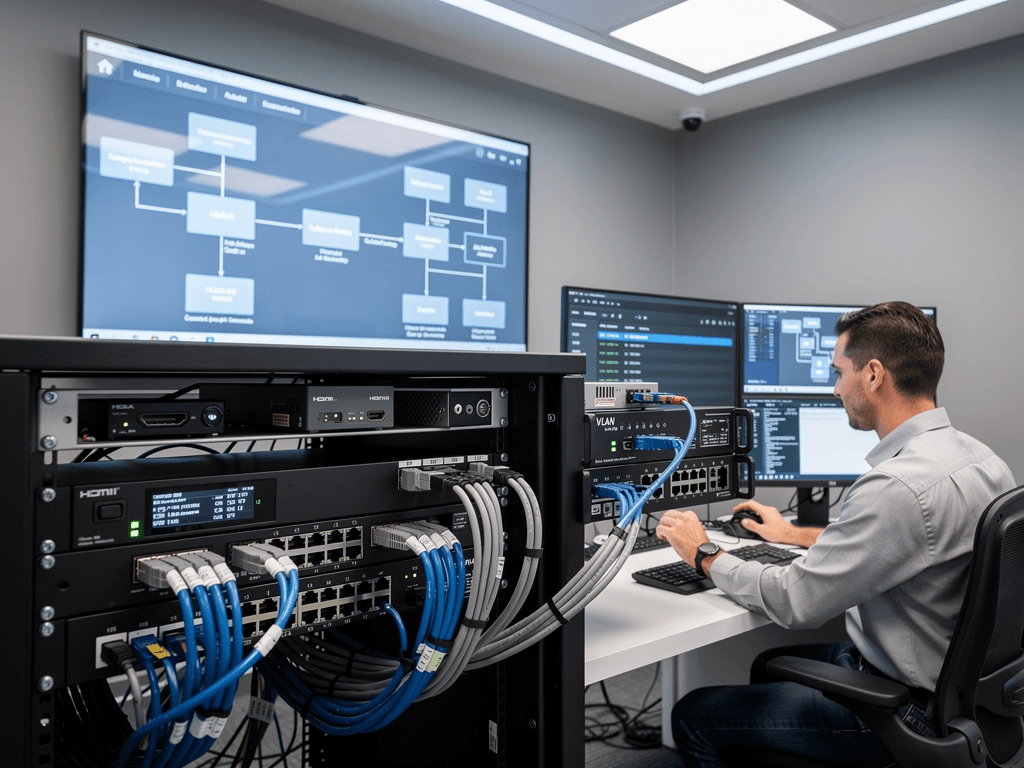
Virtual Local Area Networks represent one of the most critical yet frequently misunderstood components of successful AV over IP deployments. When properly configured, VLANs transform a standard network infrastructure into a segmented, high-performance environment capable of delivering pristine video and audio streams without interference from general network traffic. Understanding VLAN configuration is essential for any AV professional working with modern networked audiovisual systems, whether deploying encoders from TiGHT AV, decoders from Visionary AV, or complete solutions from manufacturers like BZBGEAR and Craltech.
The transition from traditional matrix switching to IP-based distribution has fundamentally changed how we approach system design. Unlike dedicated point-to-point connections, AVoIP systems share network infrastructure with other data traffic, making proper segmentation absolutely essential for reliable performance. This comprehensive guide walks you through the essential concepts, configuration steps, and best practices for implementing VLANs in your AVoIP installations.
Understanding VLAN Fundamentals for AV Applications
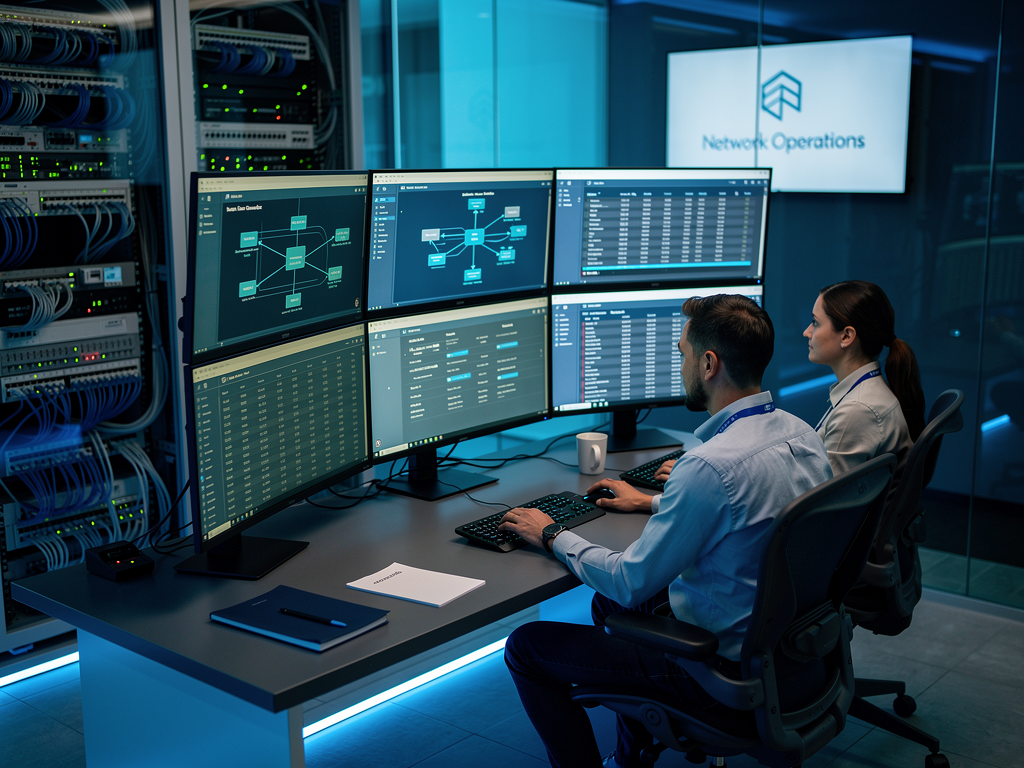
A VLAN creates a logical separation within physical network infrastructure, allowing administrators to isolate different types of traffic without deploying separate physical networks. For AVoIP applications, this separation proves invaluable because video streams, particularly those at 4K60 resolutions, generate substantial bandwidth demands that can overwhelm networks carrying mixed traffic types. By placing AV devices on dedicated VLANs, you ensure that corporate email, web browsing, and file transfers never compete with your video streams for bandwidth.
The IEEE 802.1Q standard defines how VLAN tagging works at the Ethernet frame level. Each frame receives a tag identifying its VLAN membership, and switches use this information to forward traffic only to ports belonging to the same VLAN. This tagging mechanism operates at Layer 2 of the OSI model, meaning VLAN separation happens before any IP routing decisions occur. For AVoIP systems using protocols like NDI, SDVoE, Dante AV, or IPMX, this Layer 2 isolation provides the foundation for predictable, low-latency performance.
When planning VLAN architecture for AVoIP, consider creating separate VLANs for video traffic, audio traffic, and control traffic. While some installations combine video and audio on a single VLAN, separating them provides additional flexibility for troubleshooting and quality of service configuration. Products from manufacturers like ADTECHNO and Netvio often support VLAN tagging directly on the device, simplifying integration with enterprise network infrastructure.
Planning Your VLAN Architecture
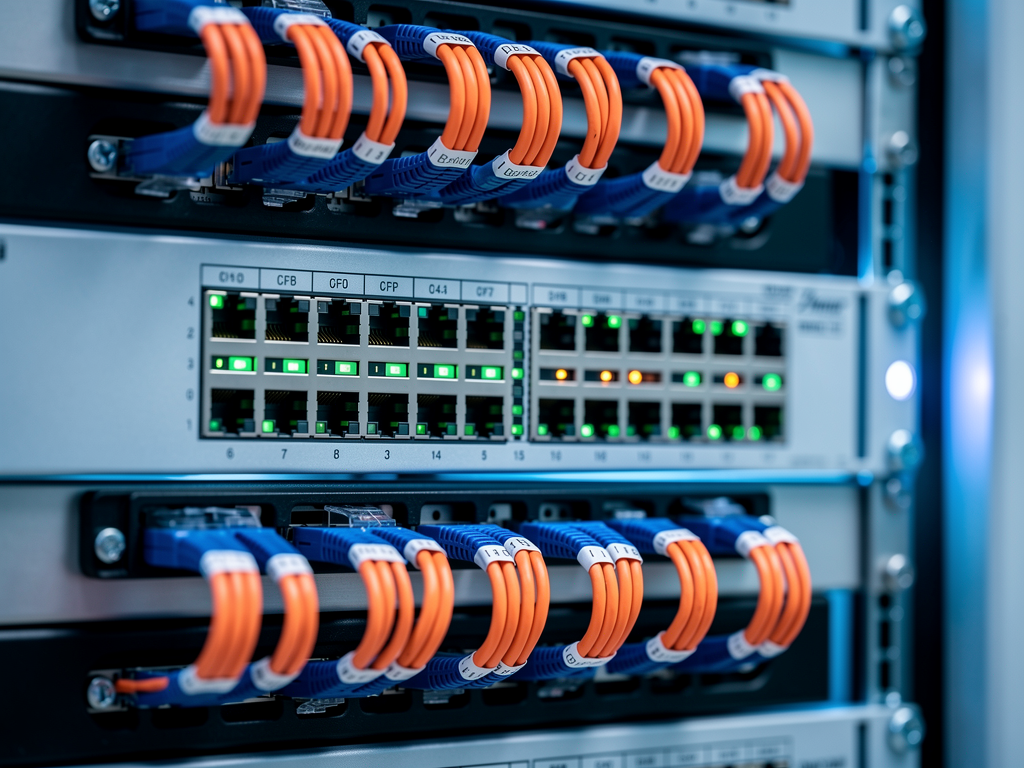
Successful VLAN implementation begins with thorough planning that accounts for current requirements and future expansion. Start by documenting every AVoIP device in your system, including encoders, decoders, controllers, and multiviewers. Note the physical location of each device and the switch ports they connect to. This documentation becomes your roadmap for VLAN assignment and troubleshooting.
Consider the traffic patterns within your AVoIP system when designing VLAN topology. Encoders generate traffic that flows to one or more decoders, and this multicast or unicast traffic should remain within the AV VLAN whenever possible. Control traffic from management systems typically uses unicast communication and may need to traverse VLAN boundaries to reach devices from a central management station. Understanding these patterns helps you design efficient VLAN boundaries and routing policies.
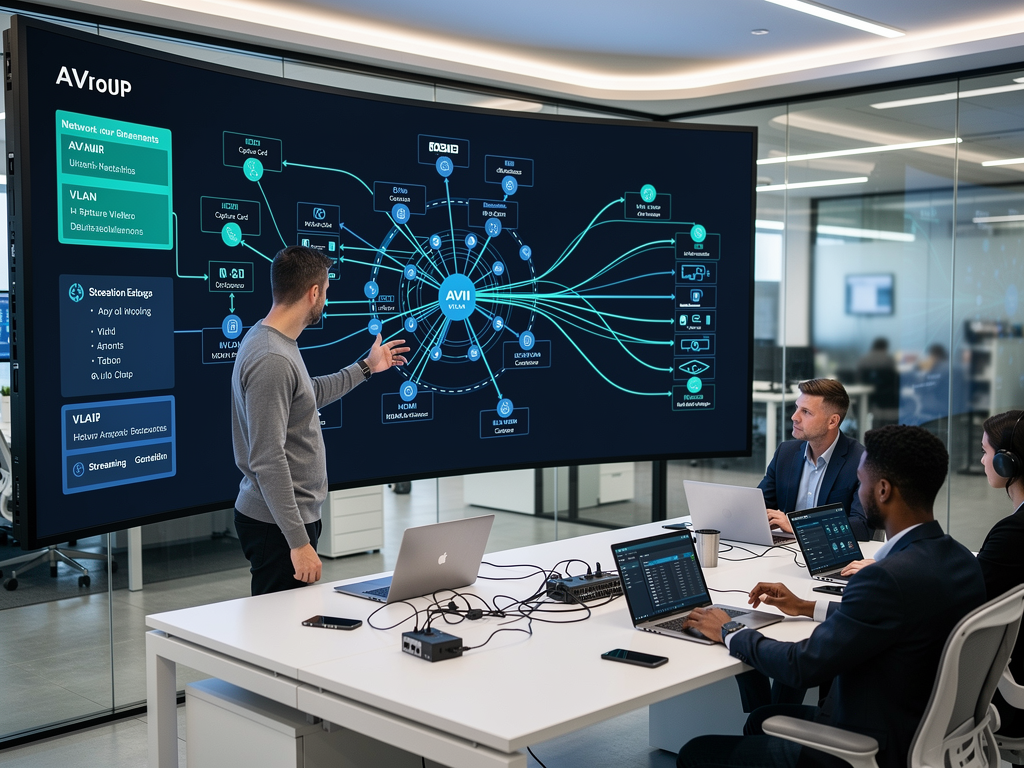
A common architecture uses three VLANs for AVoIP systems. VLAN 10 might handle video traffic from encoders and decoders. VLAN 20 could carry audio streams, particularly important for Dante-based systems where audio timing is critical. VLAN 30 often serves as the management VLAN, carrying control traffic and providing access for configuration interfaces. This separation allows granular quality of service policies and simplifies troubleshooting when issues arise.
When working with products from the AVoIP Solutions Directory, verify each device's VLAN capabilities before finalizing your architecture. Some entry-level devices may not support VLAN tagging, requiring placement on untagged access ports. Higher-end solutions from manufacturers like Craltech and TiGHT AV typically offer full VLAN support with configurable tagging options.
Switch Configuration Essentials
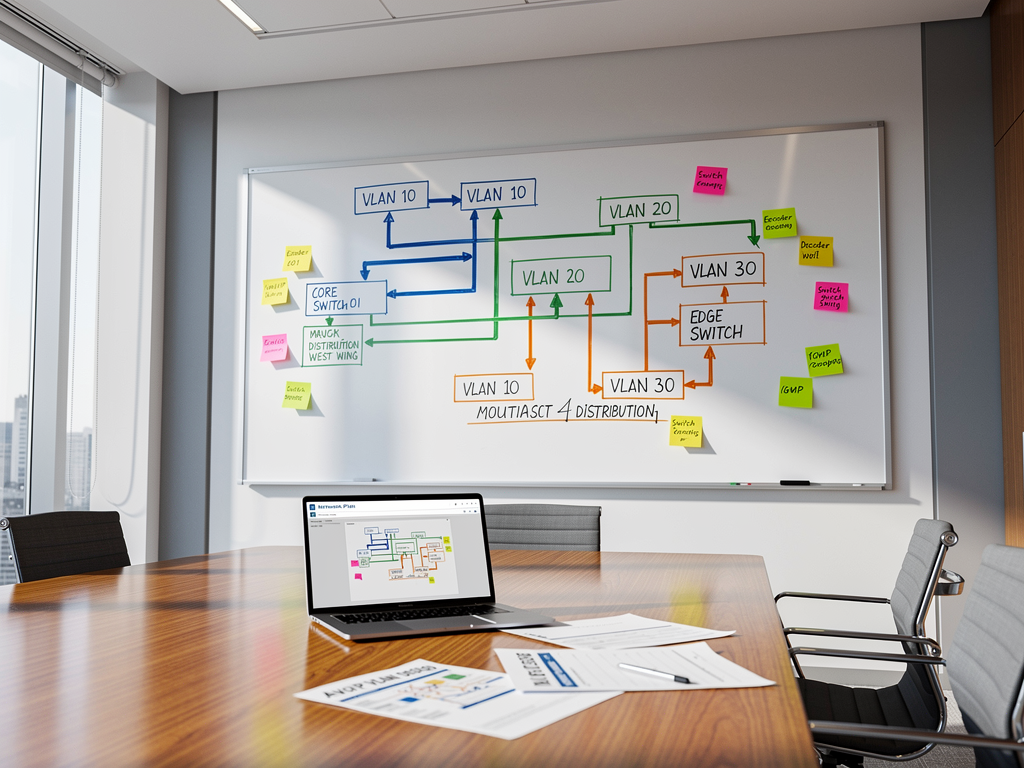
Configuring VLANs requires access to managed switches with 802.1Q support. Unmanaged switches cannot perform VLAN operations, making them unsuitable for professional AVoIP installations. When selecting switches, prioritize models with sufficient port density, adequate backplane bandwidth, and robust IGMP snooping capabilities for multicast traffic management.
Begin switch configuration by creating the necessary VLANs in the switch's VLAN database. Using the command-line interface on a Cisco switch, you would enter global configuration mode and use commands like "vlan 10" followed by "name AV-Video" to create and label your VLANs. Similar processes exist for switches from other manufacturers, though the specific syntax varies. Web-based management interfaces on switches from HP, Netgear, and others provide graphical alternatives for VLAN creation.
After creating VLANs, configure each switch port according to its role. Access ports connect to end devices and carry traffic for a single VLAN without tagging. Configure ports connecting to AVoIP encoders and decoders as access ports assigned to the appropriate VLAN. Trunk ports carry traffic for multiple VLANs simultaneously, using 802.1Q tags to identify VLAN membership. Configure trunk ports for connections between switches and for devices that need access to multiple VLANs.
The native VLAN on trunk ports deserves special attention. Untagged traffic arriving on a trunk port gets assigned to the native VLAN, which defaults to VLAN 1 on most switches. For security and clarity, consider changing the native VLAN to match your management VLAN or creating a dedicated native VLAN that carries no production traffic. This practice prevents unintended traffic from reaching your AV VLANs.

IGMP Snooping and Multicast Optimization
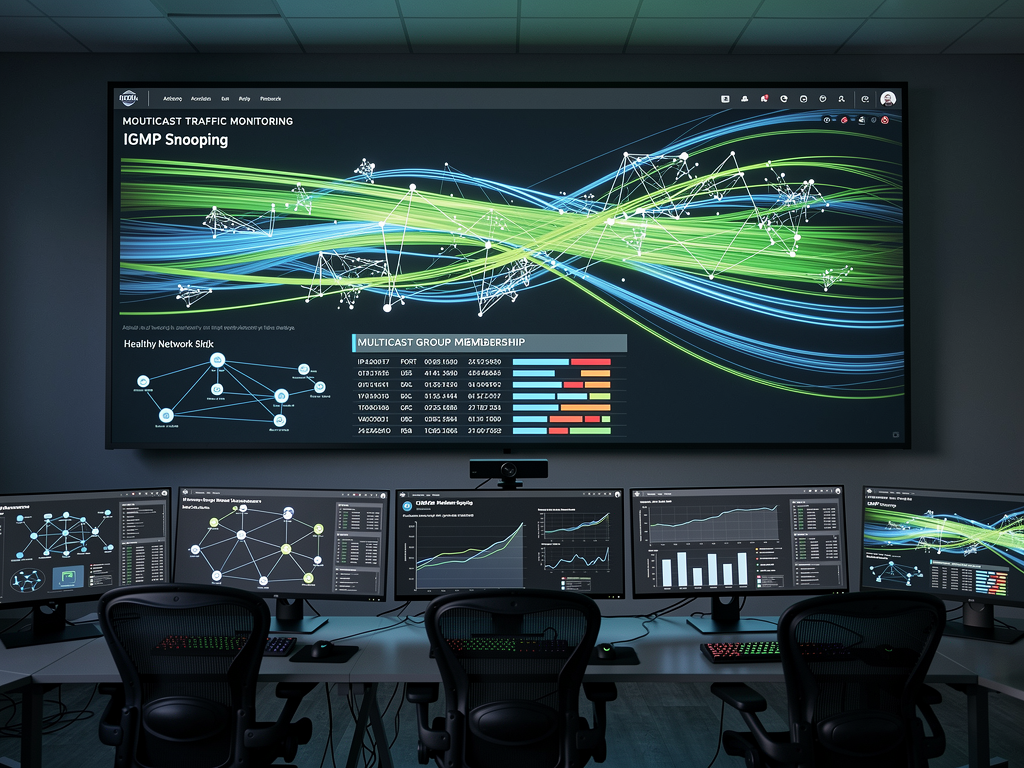
Multicast traffic forms the backbone of many AVoIP protocols, allowing a single encoder to serve multiple decoders without duplicating streams across the network. However, multicast traffic can flood networks without proper management. IGMP snooping enables switches to learn which ports have devices interested in specific multicast groups, forwarding multicast traffic only to those ports rather than flooding all ports in the VLAN.
Enable IGMP snooping on all VLANs carrying AVoIP traffic. Configure an IGMP querier on each VLAN, typically on the switch acting as the root of your spanning tree topology. The querier periodically sends membership queries, prompting devices to report their multicast group memberships. Without a querier, IGMP snooping tables eventually age out, causing multicast traffic to flood.
For large-scale deployments with many multicast streams, consider implementing IGMP version 3, which supports source-specific multicast. This capability allows receivers to specify not only which multicast group they want to join but also which source they want to receive from. Products supporting advanced multicast features from leading AVoIP manufacturers can leverage these capabilities for more efficient bandwidth utilization.
Fast-leave processing improves channel switching performance in AVoIP systems. When enabled, switches immediately remove ports from multicast groups when they receive leave messages, rather than waiting for query timeouts. This feature proves particularly valuable in environments where users frequently switch between video sources, as it reduces the time decoders spend receiving unwanted streams.
Quality of Service Configuration
Quality of Service policies ensure that time-sensitive AVoIP traffic receives priority treatment when network congestion occurs. While proper VLAN design minimizes congestion by isolating AV traffic, QoS provides an additional layer of protection that maintains video and audio quality even during unexpected traffic spikes.
Differentiated Services Code Point markings identify traffic priority at the IP layer. Configure your AVoIP devices to mark video traffic with DSCP values appropriate for real-time applications. The Expedited Forwarding class, using DSCP value 46, suits video traffic requiring low latency and minimal jitter. Audio traffic often uses the same marking or slightly lower priority depending on your specific requirements.
Switch QoS configuration involves mapping DSCP values to internal priority queues and configuring scheduling algorithms that determine how traffic from different queues gets transmitted. Strict priority queuing ensures that high-priority traffic always transmits before lower-priority traffic, which works well for AVoIP applications where latency matters more than fairness. Weighted fair queuing provides more balanced treatment across traffic classes when strict priority might starve lower-priority traffic.
Trust boundaries define where the network accepts DSCP markings from connected devices. Configure switch ports connecting to AVoIP equipment to trust DSCP markings, allowing the devices to signal their traffic priority. Ports connecting to untrusted devices should remark or strip DSCP values to prevent unauthorized traffic from claiming high priority.
Inter-VLAN Routing Considerations
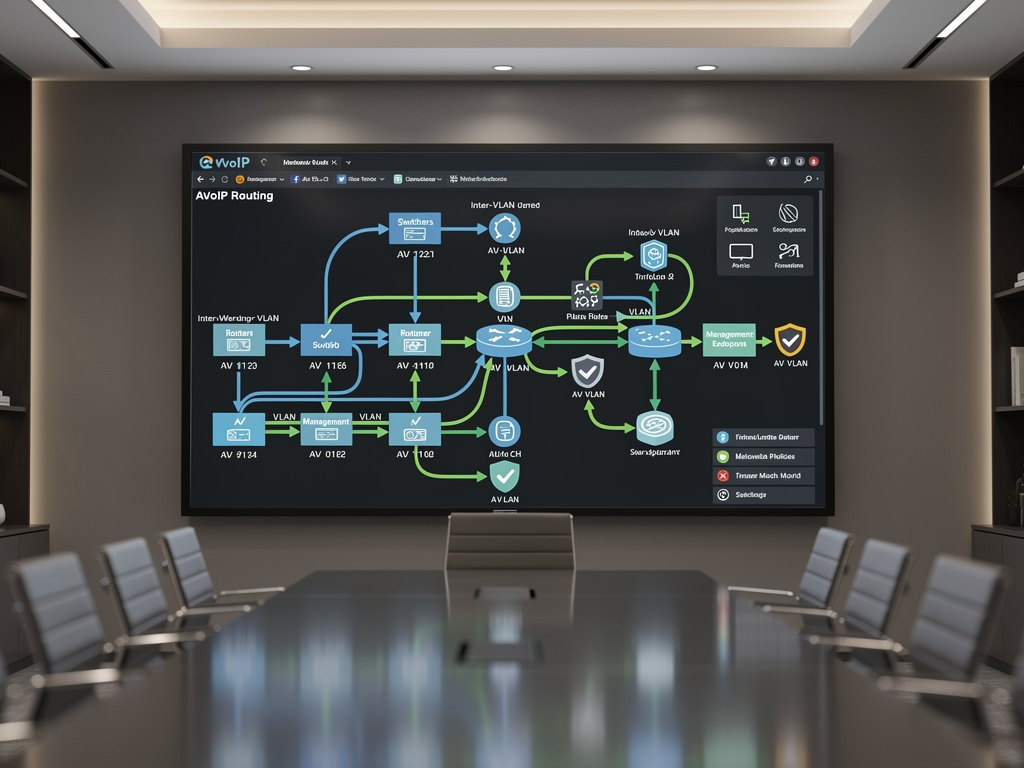
While VLANs provide Layer 2 isolation, many AVoIP installations require communication between VLANs for management access and control system integration. Inter-VLAN routing enables this communication while maintaining logical separation. Layer 3 switches or dedicated routers perform this routing function, forwarding traffic between VLANs based on IP addresses.
Configure router-on-a-stick or switched virtual interfaces to enable inter-VLAN routing. The router-on-a-stick approach uses a single physical connection between a router and switch, with subinterfaces configured for each VLAN. Switched virtual interfaces on Layer 3 switches provide a more integrated approach, with the switch itself performing routing functions without external router hardware.
Apply access control lists to restrict inter-VLAN traffic to only necessary communication paths. For example, allow management workstations to reach AVoIP devices for configuration while blocking general user traffic from accessing the AV VLANs. This approach maintains security while enabling required administrative access. Many professional AVoIP solutions include built-in security features that complement network-level access controls.
Consider whether multicast traffic needs to cross VLAN boundaries. If decoders on different VLANs need to receive the same video stream, you must configure multicast routing using protocols like PIM. This configuration adds complexity and should be avoided when possible by placing all devices for a given video distribution system on the same VLAN.
Troubleshooting Common VLAN Issues
Even well-planned VLAN configurations encounter issues during deployment and operation. Systematic troubleshooting approaches help identify and resolve problems quickly. Start by verifying physical connectivity, then move up the protocol stack to check VLAN assignments, IP addressing, and application-level communication.
VLAN mismatch errors occur when connected devices expect different VLAN configurations. If an encoder configured for VLAN 10 connects to a switch port configured as an access port for VLAN 20, communication fails. Use switch commands to verify port VLAN assignments and compare them against your documentation. The "show vlan" and "show interfaces switchport" commands on Cisco switches reveal current VLAN configurations.
Spanning tree issues can cause intermittent connectivity problems that prove difficult to diagnose. When switches detect loops, spanning tree blocks ports to prevent broadcast storms. Verify that your spanning tree topology matches your design and that no unexpected blocked ports exist. Consider enabling features like PortFast on access ports connecting to AVoIP devices, which allows ports to transition immediately to forwarding state without waiting for spanning tree convergence.
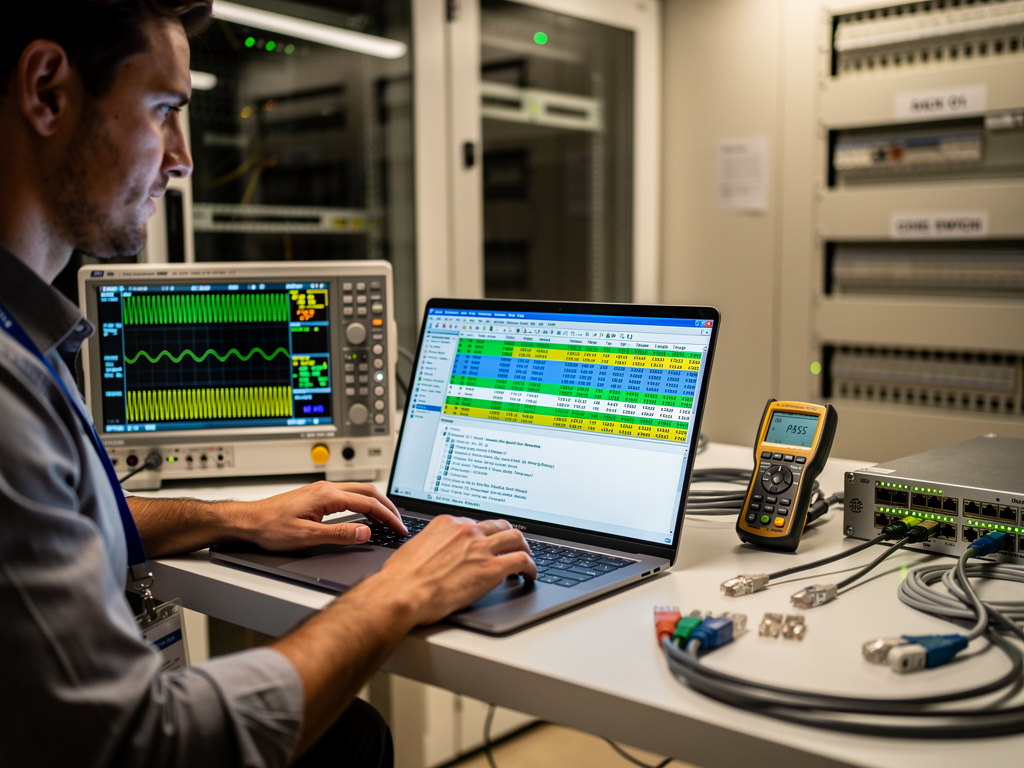
Multicast problems often manifest as video working for some decoders but not others. Check IGMP snooping tables to verify that the switch knows which ports should receive multicast traffic. Confirm that an IGMP querier is active on each VLAN. Use packet capture tools to verify that multicast traffic reaches the expected switch ports.
Best Practices and Documentation
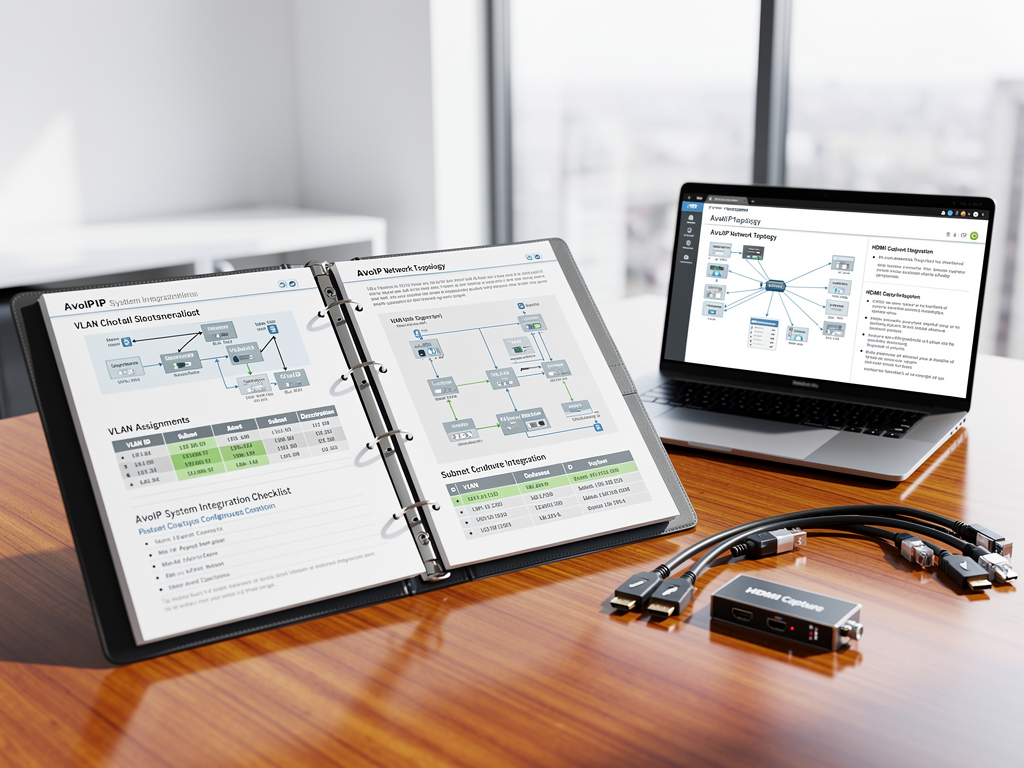
Maintaining comprehensive documentation ensures long-term success of your VLAN implementation. Document every VLAN ID, name, purpose, and associated IP subnet. Record switch port assignments and the devices connected to each port. Include configuration backups for all network equipment, stored securely and updated whenever changes occur.
Standardize VLAN numbering across your organization to simplify multi-site deployments. If VLAN 10 always represents video traffic at every location, technicians can quickly understand network topology regardless of which site they visit. This standardization also simplifies configuration templates and automation scripts.
Implement change management procedures that require documentation updates whenever network modifications occur. Even minor changes like moving a decoder to a different switch port can cause problems if documentation falls out of sync with reality. Regular audits comparing documentation against actual configurations help maintain accuracy.
Test your VLAN configuration thoroughly before deploying AVoIP equipment. Verify that traffic flows correctly between devices on the same VLAN and that inter-VLAN routing works as expected for management traffic. Load testing with traffic generators can reveal performance issues before they affect production systems. Products from trusted manufacturers listed in the AVoIP Solutions Directory typically include diagnostic tools that help verify network performance.
Future-Proofing Your VLAN Design
Technology evolution continues to drive changes in AVoIP requirements. Emerging standards like IPMX and JPEG 2000 bring new capabilities that may require network infrastructure updates. Design your VLAN architecture with flexibility to accommodate these changes without complete redesign.
Reserve VLAN IDs for future expansion, documenting their intended purpose even before deployment. If you anticipate adding a separate VLAN for digital signage or a dedicated network for wireless presentation systems, reserve those VLAN numbers now. This forward planning prevents conflicts when expansion occurs.
Consider software-defined networking approaches that provide centralized VLAN management across multiple switches. SDN controllers can simplify configuration changes and provide better visibility into network-wide VLAN topology. As AVoIP systems grow in complexity, these management tools become increasingly valuable for maintaining consistent configurations.
Stay informed about developments in AVoIP technology by following industry resources and manufacturer updates. Brands like TiGHT AV, BZBGEAR, Visionary AV, and others continuously enhance their products with new features that may affect network requirements. Regular training ensures your team maintains the skills needed to support evolving AVoIP infrastructure.
Proper VLAN configuration transforms AVoIP deployments from unpredictable experiments into reliable, professional-grade systems. By understanding the fundamentals, planning carefully, and following best practices, you create network infrastructure that supports current requirements while accommodating future growth. The investment in proper VLAN design pays dividends through reduced troubleshooting time, improved system performance, and satisfied end users who experience flawless video and audio distribution.
Comments(0)