Troubleshoot AVoIP Issues in Corporate Environments
Learn how to diagnose and resolve common Audio Visual over IP (AVoIP) problems in corporate settings, from video quality and latency to audio synchronization and control system failures.
AVoIP AV Directory
How to Troubleshoot Common AVoIP Issues in a Corporate Environment
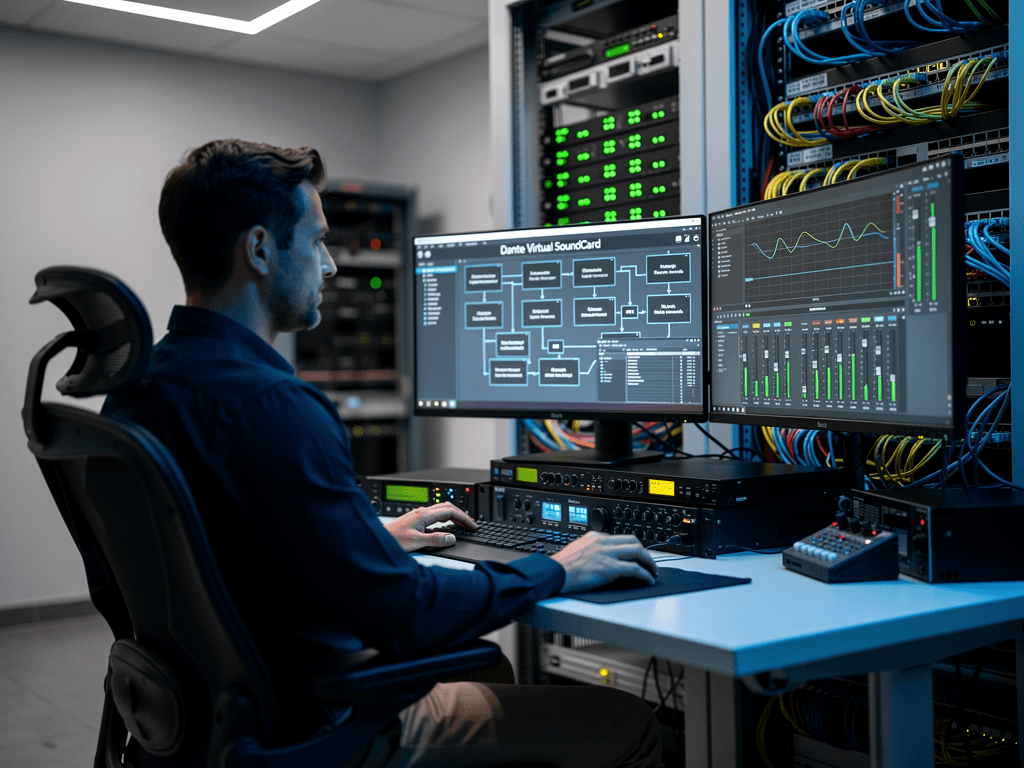
Audio Visual over IP technology has transformed how organizations distribute video and audio content across their facilities. From boardrooms to training centers, AVoIP solutions deliver flexibility and scalability that traditional matrix switching simply cannot match. However, when issues arise in these networked environments, troubleshooting requires a methodical approach that blends traditional AV knowledge with IT networking expertise. Understanding the most common problems and their solutions will help you minimize downtime and maintain seamless operations in your corporate deployment.
Understanding the Network Foundation of AVoIP Systems
Before diving into specific troubleshooting techniques, it is essential to recognize that AVoIP systems are fundamentally dependent on network infrastructure. Unlike traditional point-to-point AV installations, every encoder, decoder, and controller in an IP-based system relies on proper network configuration. When problems occur, the root cause often lies not in the AV equipment itself but in the underlying network architecture.

The most critical network considerations for AVoIP include VLAN segmentation, Quality of Service settings, IGMP snooping configuration, and switch port settings. Products from manufacturers like TiGHT AV and Visionary Solutions are designed to work within properly configured networks, but even the best hardware cannot overcome fundamental infrastructure problems. Before troubleshooting individual devices, always verify that your network switches support the bandwidth requirements and multicast protocols your AVoIP system demands.
Bandwidth calculations deserve particular attention in corporate environments where AVoIP shares infrastructure with data traffic. A single 4K60 video stream can consume between 8 and 20 Gbps depending on the compression codec used. Solutions utilizing JPEG 2000, NDI, or Dante AV Ultra each have different bandwidth profiles that must be accommodated by your network design.
Diagnosing Video Quality and Latency Problems
Video quality degradation represents one of the most frequently reported issues in corporate AVoIP deployments. Symptoms include pixelation, color banding, frame dropping, and visible compression artifacts. These problems typically stem from bandwidth constraints, improper encoding settings, or network congestion during peak usage periods.
When addressing video quality concerns, start by checking the encoder settings on your transmitting devices. Manufacturers like BZBGEAR and ADTECHNO provide detailed configuration interfaces that allow you to adjust bitrate, resolution, and compression parameters. If you are experiencing artifacts during high-motion content such as video playback or fast-moving presentations, increasing the bitrate allocation often resolves the issue. However, this must be balanced against available network capacity.
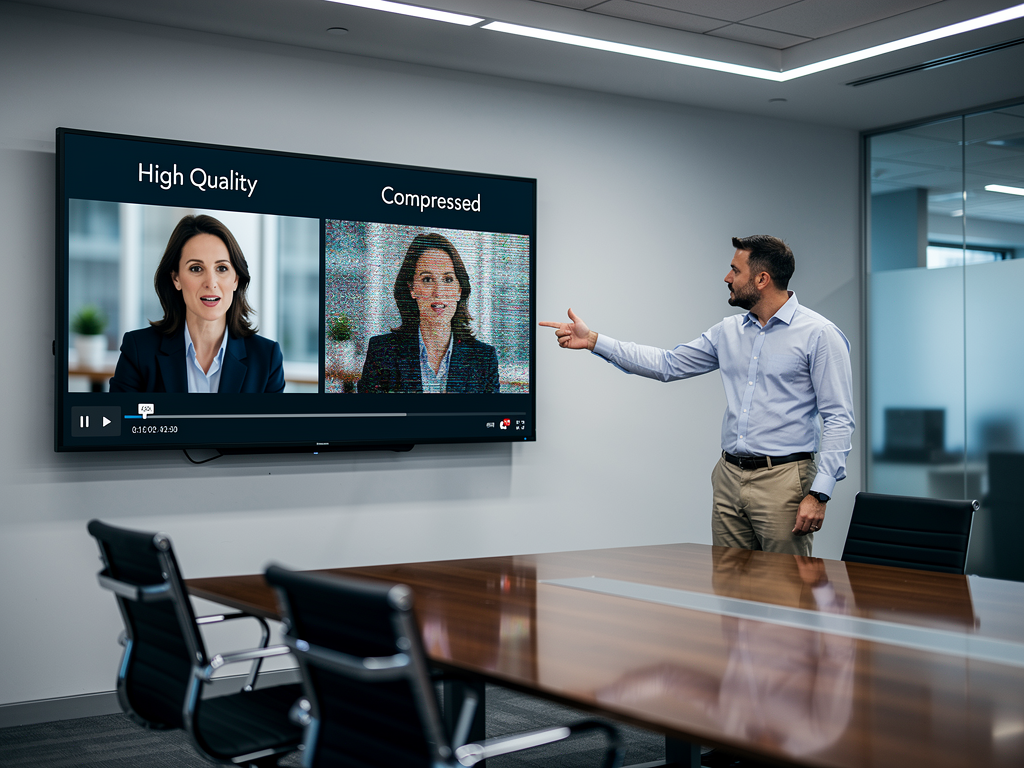
Latency issues require a different diagnostic approach. In corporate environments where real-time interaction matters, such as video conferencing rooms or live presentation spaces, even small delays become noticeable. Check the end-to-end signal path for unnecessary protocol conversions, ensure your decoders are set to low-latency mode when available, and verify that no intermediate processing is adding delay. Products from Craltech and Netvio often include latency monitoring tools that help pinpoint where delays are being introduced in the signal chain.
Network switches configured without proper QoS settings frequently cause intermittent quality problems. Prioritizing AVoIP traffic using DSCP markings ensures that video packets receive preferential treatment during periods of network congestion. This configuration should be applied consistently across all switches in the signal path.
Resolving Audio Synchronization and Dropout Issues
Audio problems in AVoIP systems often manifest as lip-sync errors, intermittent dropouts, or complete audio loss. These issues can be particularly frustrating because they may appear randomly and prove difficult to reproduce during troubleshooting sessions. Understanding the separate handling of audio and video streams in many AVoIP protocols helps explain why these problems occur.
Lip-sync errors typically result from different processing delays in the audio and video paths. Many enterprise-grade encoders and decoders include audio delay adjustment settings specifically designed to compensate for these timing differences. When configuring systems from manufacturers like TiGHT AV or Visionary Solutions, take time to fine-tune these parameters during initial commissioning rather than leaving them at default values.
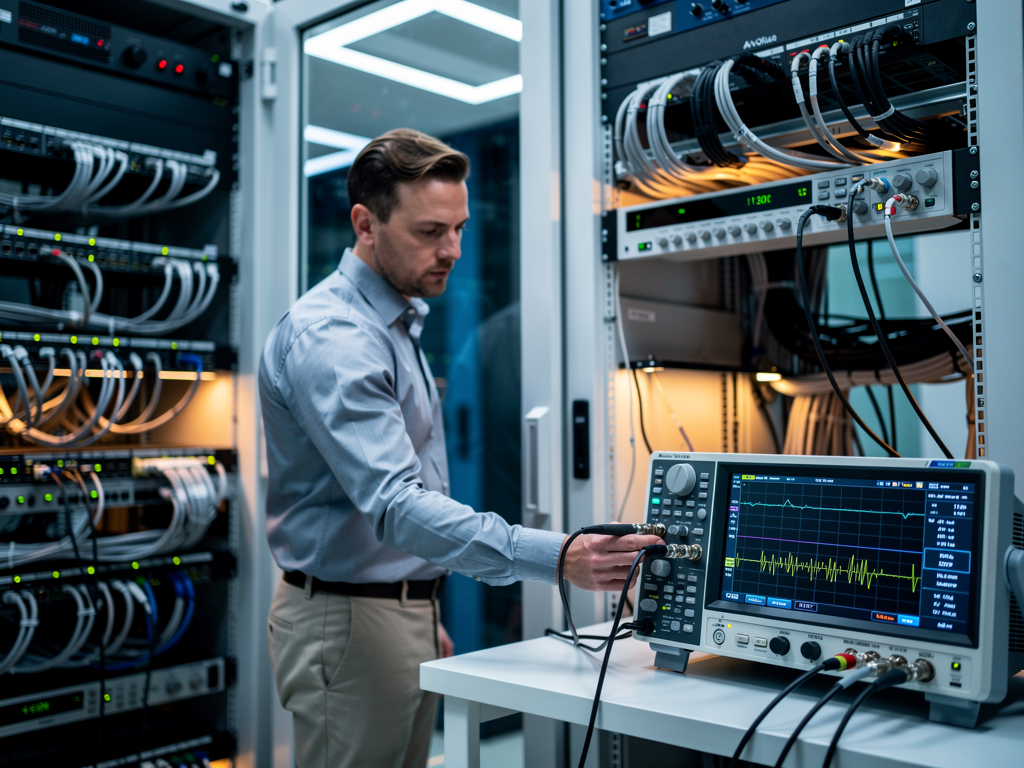
Audio dropouts often indicate packet loss on the network. Unlike video, where occasional dropped frames may go unnoticed, audio interruptions are immediately apparent to listeners. Use network monitoring tools to identify packet loss patterns and correlate them with audio dropout reports. If packet loss occurs consistently at specific times, investigate whether scheduled network activities such as backups or software updates are consuming bandwidth during those periods.
For Dante-based audio distribution, which many AVoIP systems incorporate for professional audio routing, ensure that all devices are synchronized to a common clock source. Clock drift between devices causes audio glitches that worsen over time. The Dante Controller software provides visibility into clock synchronization status across your network.
Addressing Discovery and Control System Failures
Control system integration represents a common pain point in corporate AVoIP installations. When encoders and decoders fail to appear in management software or respond to control commands, productivity suffers as users cannot easily switch sources or adjust display settings. These discovery failures typically relate to network segmentation, firewall rules, or multicast configuration problems.
Most AVoIP products rely on multicast protocols for device discovery. If your network uses VLANs to separate AVoIP traffic from corporate data, ensure that multicast routing is properly configured to allow discovery packets to reach management stations. Products from BZBGEAR and ADTECHNO typically use standard discovery protocols that require specific multicast addresses to be permitted through your network infrastructure.
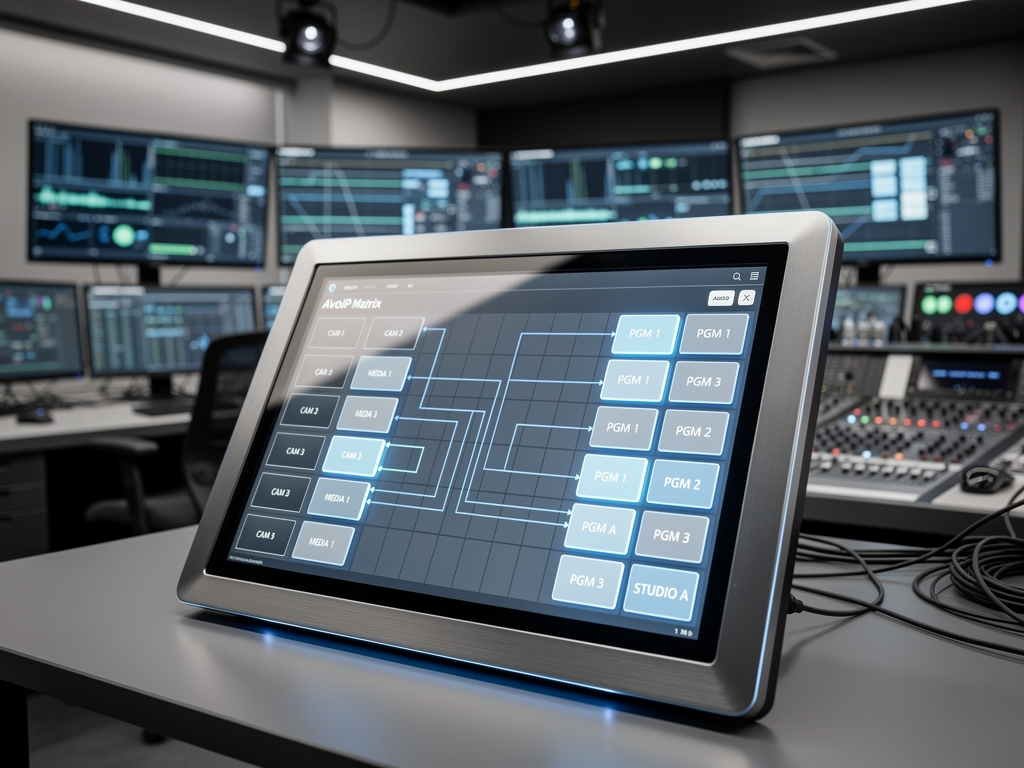
When control commands fail to execute even though devices appear in management software, check for IP address conflicts or changes. Static IP addressing is generally recommended for AVoIP equipment in corporate environments because DHCP lease changes can break control system programming. Document all IP assignments and consider reserving addresses in your DHCP server even for statically configured devices to prevent conflicts.
API connectivity issues between AVoIP equipment and third-party control systems from manufacturers like Crestron, Extron, or AMX often stem from firmware incompatibilities. Verify that your encoders and decoders are running firmware versions that support the control protocols your integration requires. Manufacturers like Netvio and Craltech regularly release firmware updates that improve control system compatibility.
Troubleshooting Multicast and IGMP Configuration
Multicast traffic management is perhaps the most technically challenging aspect of AVoIP troubleshooting. Improperly configured IGMP snooping causes symptoms ranging from complete video loss to network-wide performance degradation. Understanding how multicast works in your specific deployment is essential for effective troubleshooting.
IGMP snooping allows network switches to intelligently forward multicast traffic only to ports where receivers have requested specific streams. When IGMP snooping is disabled, multicast traffic floods all ports, consuming bandwidth and potentially overwhelming endpoint devices. However, when IGMP snooping is enabled without proper querier configuration, multicast streams may fail to reach their intended destinations.
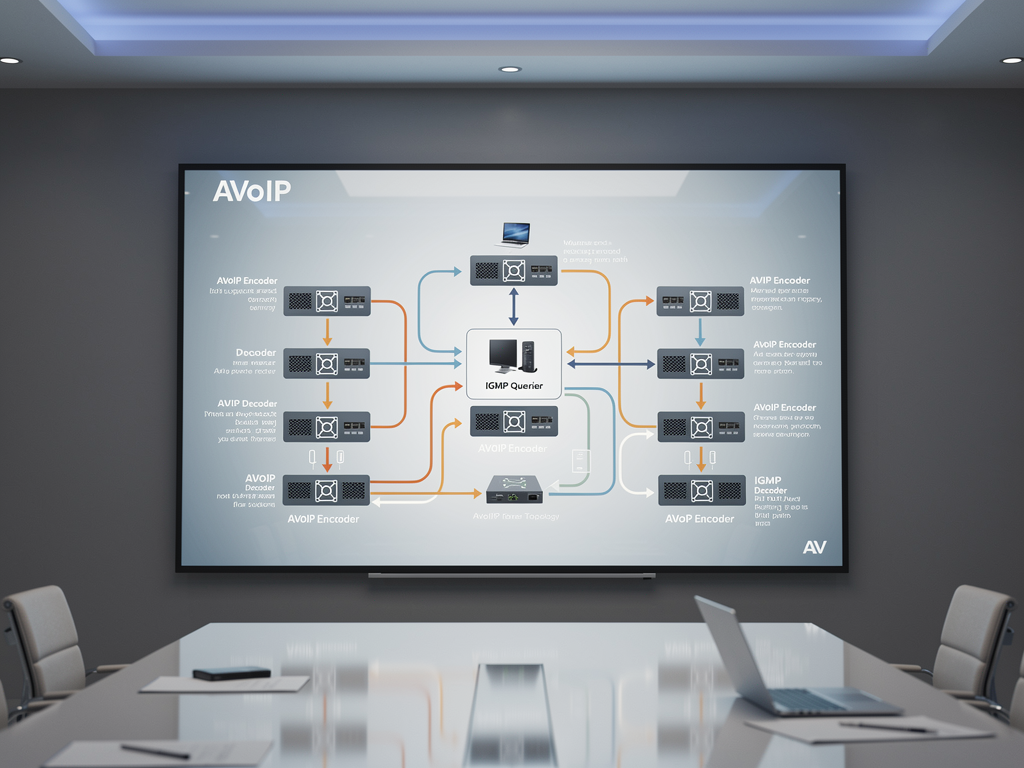
Verify that exactly one IGMP querier exists on each VLAN carrying AVoIP traffic. Multiple queriers can cause instability, while the absence of a querier prevents IGMP snooping from functioning correctly. Most managed switches can be configured as IGMP queriers, and some AVoIP controllers from manufacturers like TiGHT AV include built-in querier functionality.
When troubleshooting multicast issues, use switch diagnostic commands to view IGMP group memberships and verify that decoders are properly joining the multicast groups associated with their assigned video streams. If groups are not being joined, check that IGMP snooping is enabled on all switches in the path and that the querier is actively sending query messages.
Implementing Preventive Maintenance and Monitoring
Proactive monitoring prevents many AVoIP issues from impacting corporate operations. Establishing baseline performance metrics during initial deployment provides reference points for identifying degradation before it becomes noticeable to end users. Modern AVoIP solutions from manufacturers like Visionary Solutions and BZBGEAR include SNMP support and web-based monitoring interfaces that facilitate ongoing system health assessment.
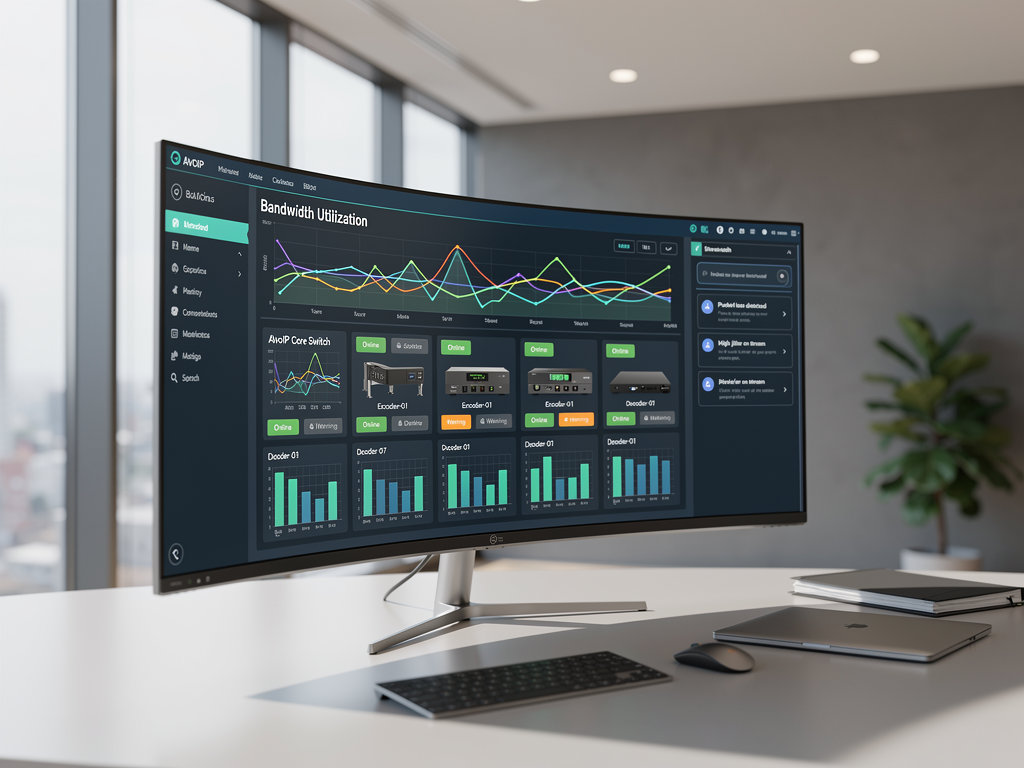
Create documentation that includes network diagrams, IP address assignments, VLAN configurations, and switch port mappings for all AVoIP equipment. This documentation proves invaluable during troubleshooting sessions and helps new team members understand system architecture. Include contact information for manufacturer technical support, as companies like ADTECHNO, Craltech, and Netvio provide excellent support resources for complex integration challenges.
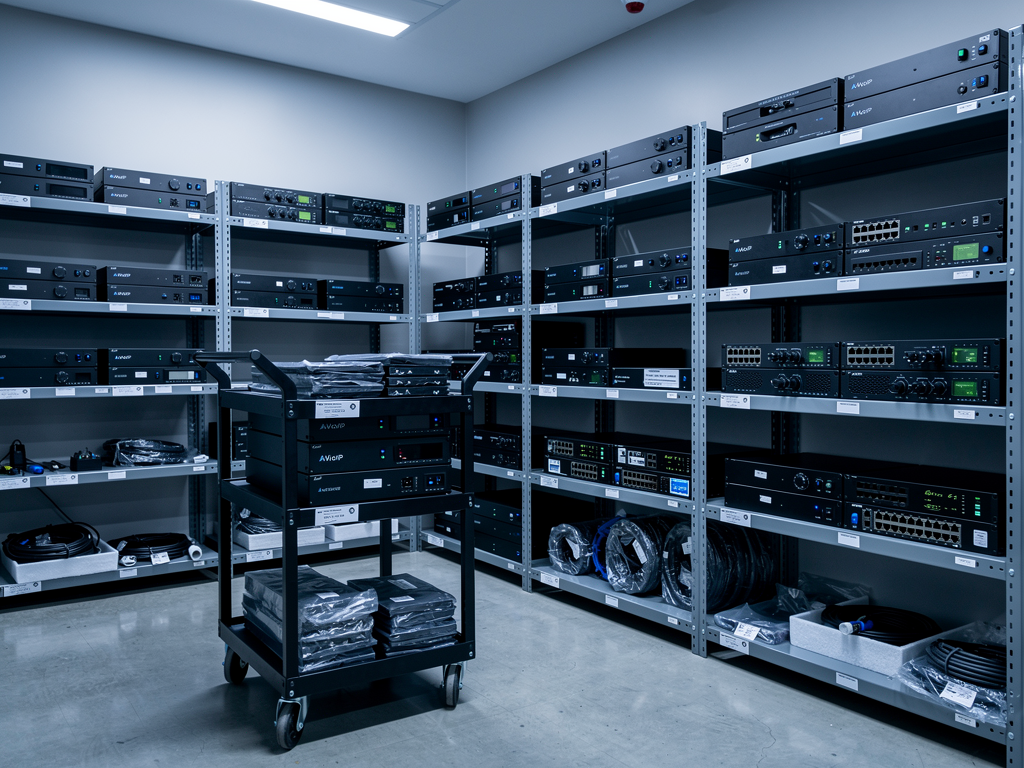
Schedule regular firmware updates during maintenance windows to benefit from bug fixes and feature improvements. However, always test updates in a non-production environment when possible, and maintain the ability to roll back if issues arise. Keep spare equipment on hand for critical installations so that failed devices can be quickly replaced while troubleshooting proceeds on the removed unit.
Building Internal Expertise and Support Processes
Successful AVoIP troubleshooting in corporate environments requires collaboration between AV and IT teams. Establishing clear escalation paths and shared responsibility for system health prevents finger-pointing during outages and accelerates problem resolution. Cross-training team members on both networking fundamentals and AV signal flow concepts builds organizational resilience.
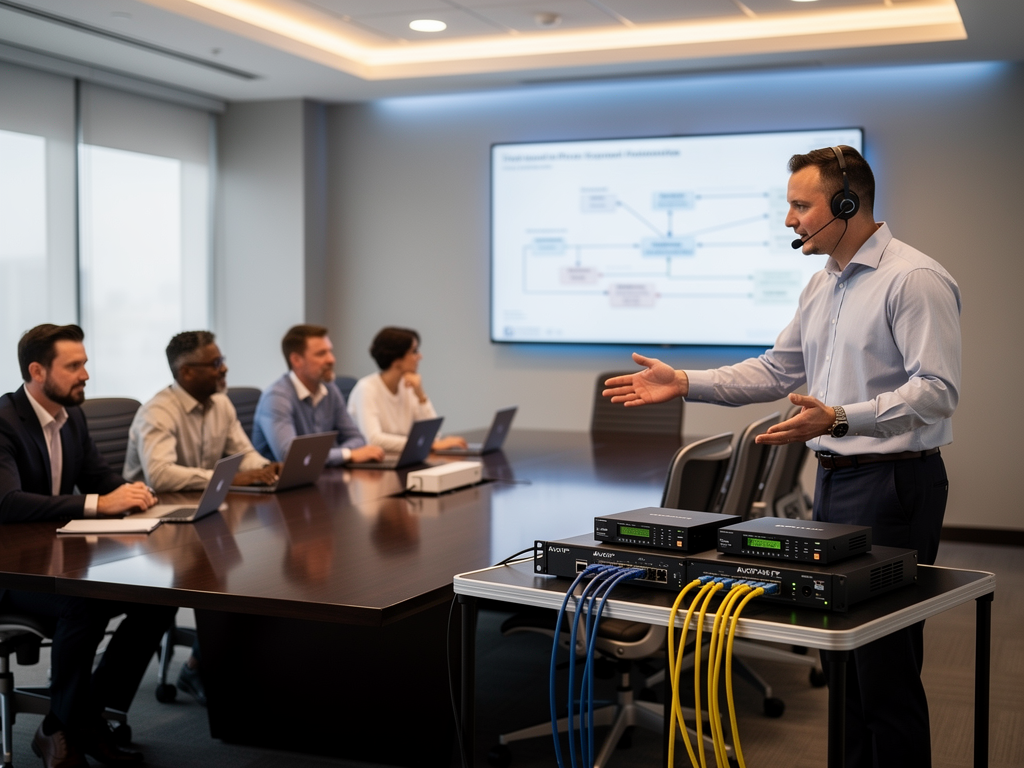
Develop runbooks that document common issues and their resolutions. These living documents capture institutional knowledge and enable consistent troubleshooting approaches regardless of which team member responds to an incident. Include step-by-step procedures for verifying network connectivity, checking device status, and escalating to manufacturer support when internal troubleshooting proves insufficient.
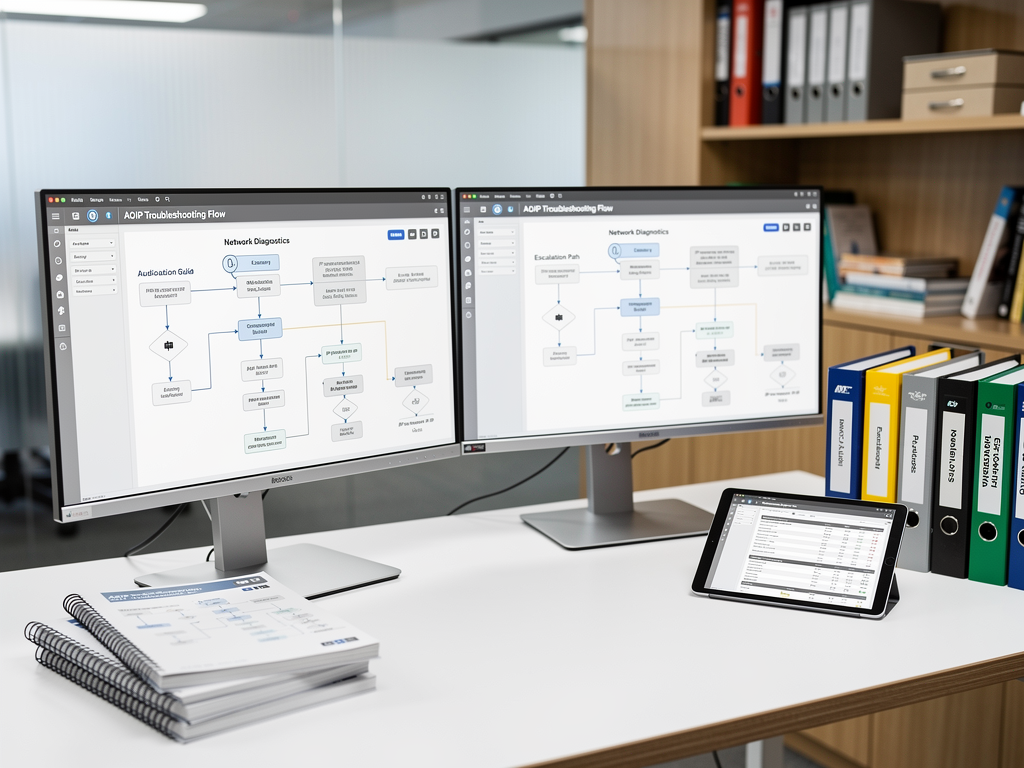
Consider engaging with manufacturer training programs and certification courses. Companies like TiGHT AV and Netvio offer training that deepens understanding of their specific product lines while reinforcing general AVoIP concepts. This investment in expertise pays dividends through faster troubleshooting and more reliable system performance.
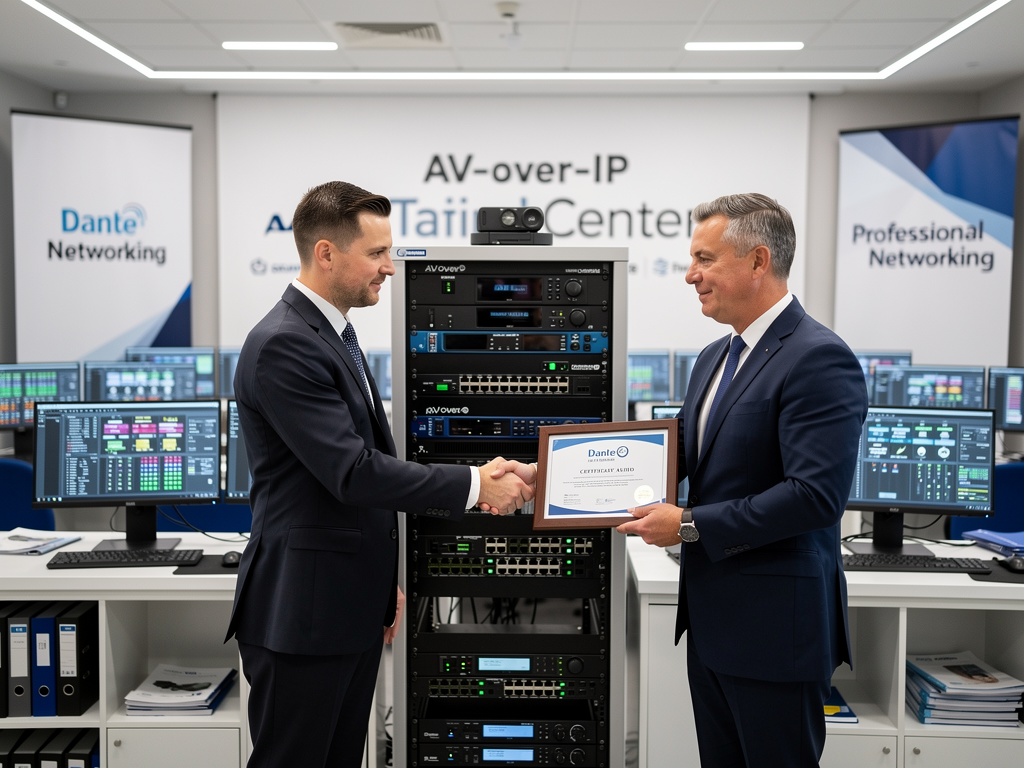
By approaching AVoIP troubleshooting systematically and investing in both technology and expertise, corporate environments can realize the full potential of networked AV distribution. The flexibility and scalability that AVoIP provides far outweigh the learning curve associated with these systems, and organizations that master troubleshooting techniques position themselves for continued success as their AV requirements evolve.
Comments(0)